






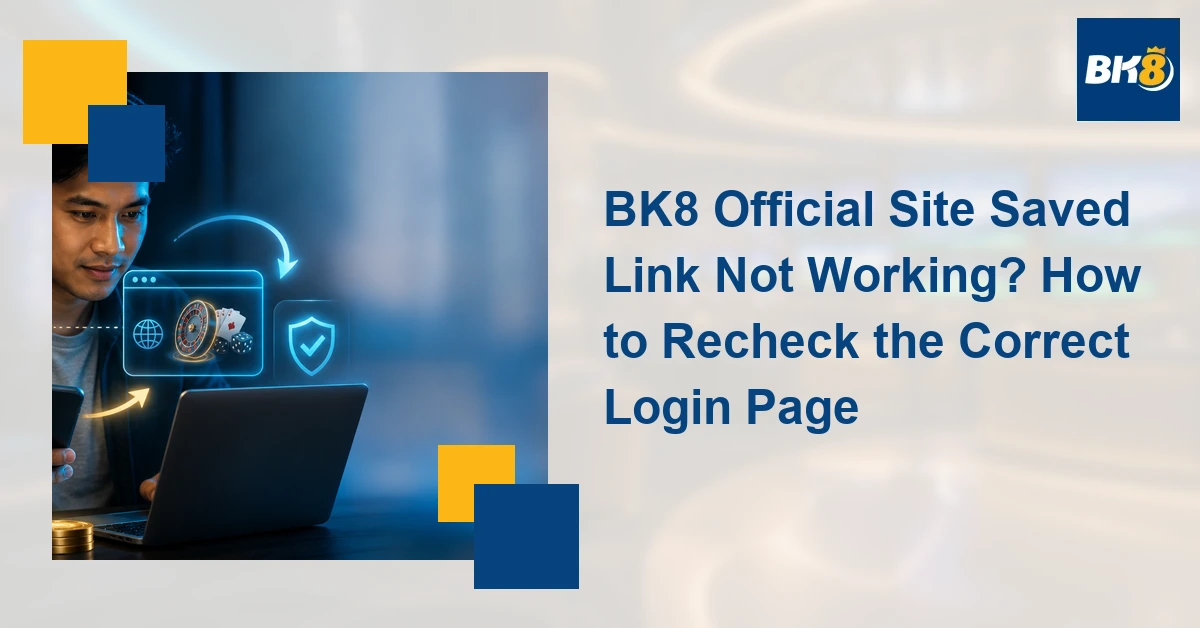
An old bookmark failing does not automatically mean the entire BK8 official site is offline. The saved address may point to an expired campaign, removed landing page, changed login route, or outdated redirect. Treat any unexpected destination as a security check: do not enter a password, PIN, or OTP until you have inspected where the browser actually went.
Stage 1: Inspect the Saved Link
- Press and hold the bookmark or open its edit screen to view the full address.
- Check spelling, the top-level domain, extra subdomains, and long campaign parameters.
- Look for a browser certificate or connection warning; do not bypass it merely because the page resembles BK8.
- If a home-screen shortcut opens a blank page, inspect its destination in the browser rather than repeatedly tapping it.
- Clear only the affected site data or test a private tab if the browser appears trapped in an old redirect.
A long promotional code can expire while the main site remains available. Likewise, an old registration route may redirect to a homepage. A familiar logo and color scheme are not proof of ownership; the address bar and a currently verified publisher route matter more than appearance.
Stage 2: Compare the Destination
| Check | Safer signal | Reason to stop |
|---|---|---|
| Address | Matches a currently verified route | Misspelling, extra subdomain, or unrelated domain |
| Connection | Normal HTTPS connection | Certificate or privacy warning |
| Source | Publisher page you intentionally opened | Unsolicited private message |
| Request | Normal account sign-in flow | Immediate request for OTP, PIN, or payment |
| Redirect | Expected destination is visible | Several unexplained domain changes |
Do not treat a replacement link received through social media, chat, or a private message as authoritative. Open a publisher page you already trust independently, compare the destination, and avoid copying credentials between tabs. If the route cannot be verified, stop and ask support through a channel reached independently of the suspicious page.
Stage 3: Replace the Bookmark
- After confirming the destination, delete the obsolete bookmark or home-screen shortcut.
- Save the newly verified page with a clear label and no unnecessary campaign parameters when possible.
- Open the new bookmark once and confirm the address again before storing a password.
- Keep the browser and operating system updated, and use a password manager that will not autofill on a different domain.
What BK8-Plus Can and Cannot Verify
This article can direct readers through the publisher’s current access route, but it should not describe any unverified domain as a permanent official destination. Routes and campaign links can change. The visible destination should be rechecked on the publication date, especially if the supplied CTA redirects through another service.
Gambling should remain entertainment, not income. Only eligible adults should play. PAGCOR states that gambling is for people aged 21 and above and can be addictive. Set a fixed time and money limit, do not borrow to gamble, and never chase losses.
Frequently Asked Questions
Why does my old BK8 bookmark show Page Not Found?
It may target a removed campaign or changed login route. Inspect the full address and use a currently verified publisher route before replacing it.
Is a familiar BK8 design enough to trust a page?
No. Copied logos and layouts can look convincing. Verify the address, connection, and source before entering credentials.
Should I use a replacement link sent by private message?
Do not rely on it without independent verification. Navigate from a trusted source and contact support through a separately verified channel if unsure.
Example: An Old Promotion Bookmark Redirects
Suppose a saved campaign link now opens the homepage. Compare the address before and after the redirect, then navigate from the publisher’s current access page in a separate tab. If both routes reach the same verified destination without warnings, replace the old bookmark. If the saved link opens an unrelated domain, requests an OTP immediately, or triggers a certificate warning, close it and preserve a screenshot for support. Do not test a questionable page by entering false or real credentials; simply stop at the verification failure.

Martine Cena is a highly experienced iGaming writer specializing in online casinos. Her expertise includes crafting engaging and informative content which includes comprehensive casino reviews, strategic guides for various table games and live dealer experiences, and insightful articles on bonus structures and promotions.
Martine possesses a deep understanding of the online casino gaming scene, including regulatory requirements, game providers, and player preferences. She excels at translating complex information into accessible and captivating narratives, ensuring readers are both educated and entertained.