






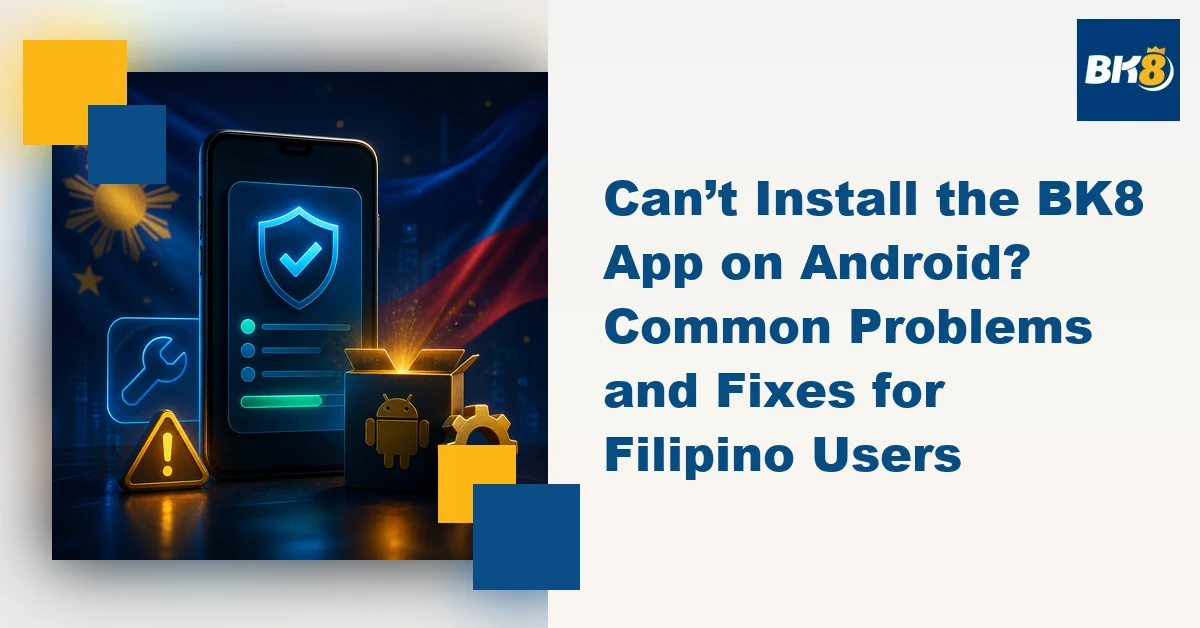
Trying to install the BK8 Android app Philippines version but your phone won’t cooperate? An APK that refuses to open, an installation that suddenly stops, or a security warning can be confusing, especially if you are used to installing apps directly from Google Play.
BK8-Plus states that BK8 has an app for Android and iOS users. Before installing anything, however, Filipino users should make sure they are using the current download instructions provided by BK8 and not an APK copied from an unknown third-party website.
Here are some common Android installation problems and what you can check.
Why Won’t the BK8 Android App Install?
An installation problem does not necessarily mean something is wrong with your BK8 account. The issue can come from the phone, Android settings, internet connection, available storage, or the installation file itself.
1. Your Phone Blocks APK Installation
Android phones have security controls that can prevent apps obtained outside the Google Play Store from being installed.
If Android displays a warning, don't automatically bypass it. First confirm that you obtained the file through the current BK8 download route.
Depending on your Android version and phone manufacturer, the setting controlling installation from a particular source may be found under Security, Privacy, or Apps.
Only grant installation permission to a source you trust, and turn unnecessary permissions off afterward.
2. There Isn't Enough Storage
A nearly full phone can cause an installation to fail.
Check your device's available storage before downloading the app again. Removing unused apps, duplicate videos, old downloads, or cached files can create additional space.
Remember that an app can require more free space during installation than the size of the downloaded file itself.
3. Your APK May Be Outdated
Keeping an old APK in your Downloads folder can create another problem.
If BK8 has released a newer version, an old installation file may no longer be appropriate for your device. Instead of repeatedly attempting to install the same file, return to the current BK8 download instructions and check whether a newer version is available.
Avoid searching randomly for phrases such as "BK8 APK latest version." Third-party APK sites can introduce unnecessary security risks.
4. Your Internet Connection Is Unstable
Mobile data interruptions can result in an incomplete download.
For Filipino users switching between Wi-Fi and mobile data, make sure the connection remains stable until the file finishes downloading. If the downloaded file appears unusually small or Android reports that it cannot be opened, delete it rather than repeatedly trying to install it.
Then obtain a fresh copy through the appropriate source.
5. Your Android Version May Be the Issue
Not every app version works with every Android device.
Older phones may be running an Android version that is no longer compatible with a current application. Conversely, changes in newer Android security settings can affect how APK installations are handled.
Check your phone's Android version under Settings > About Phone or the equivalent menu on your device.
If compatibility requirements are published with the current BK8 app, compare them with your device before making further changes.
What Should You Check Before Installing?
Before installing a betting app, focus on security as much as convenience.
Confirm that you are following the current BK8 instructions, avoid APKs sent through random messages or unofficial download pages, and review the permissions requested during installation.
An online betting app should not be treated differently from other financial or account-based applications when it comes to password and device security.
Use a strong password, don't share login credentials, and avoid accessing your account through an unsecured public device.
Can You Use BK8 Without the Android App?
If an installation problem persists, don't repeatedly change security settings simply to force an APK to install.
Check whether the service you need is available through the platform's mobile-compatible website instead, or contact the platform's support team for current installation guidance.
This is particularly useful when the issue involves device compatibility rather than your BK8 account.
Final Check Before You Start
Most BK8 Android installation problems can be narrowed down to a few areas: security permissions, available storage, an incomplete or outdated file, internet connectivity, or device compatibility.
The important part is knowing why the installation failed before changing settings.
Gambling involves financial risk. Set a budget before playing and never use money needed for everyday expenses.
Frequently Asked Questions
Why won’t the BK8 Android app install?
Common causes include blocked APK permissions, insufficient storage, an incomplete or outdated file, an unstable connection, or Android-version compatibility.
Should I download a BK8 APK from a third-party site?
No. Follow the current BK8 download instructions and avoid APK files from unknown websites or random messages.
Can I use BK8 without installing the Android app?
If the app will not install, check whether the service you need is available through the mobile-compatible website or contact platform support.

Martine Cena is a highly experienced iGaming writer specializing in online casinos. Her expertise includes crafting engaging and informative content which includes comprehensive casino reviews, strategic guides for various table games and live dealer experiences, and insightful articles on bonus structures and promotions.
Martine possesses a deep understanding of the online casino gaming scene, including regulatory requirements, game providers, and player preferences. She excels at translating complex information into accessible and captivating narratives, ensuring readers are both educated and entertained.