






Before using a BK8 app for Android, check that the installation file came from a currently verified route and review every permission in context. A familiar logo or app name does not prove an APK is authentic. The safest question is not “Does a casino app ever need this?” but “Does the feature I am using need this access right now?”
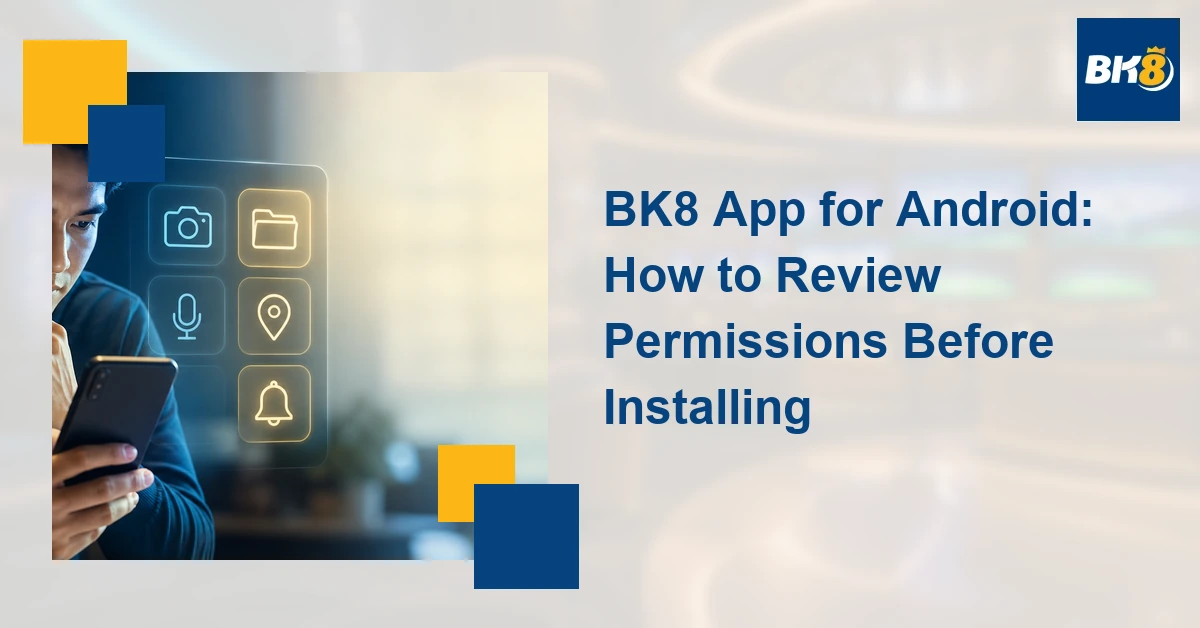
Permission-to-Purpose Checklist
| Permission | Possible purpose | Question to ask |
|---|---|---|
| Camera | ID-document capture or QR scanning | Am I using that feature now? |
| Photos and files | Uploading a selected verification image | Can selected-file access be used? |
| Notifications | Account or promotion alerts | Are alerts optional and controllable? |
| Location | Regional or security checks | Is the reason clearly explained? |
| Contacts | Usually unrelated to core gameplay | Why is the contact list needed? |
| Microphone | Possible voice-support feature | Is voice access actually required? |
| Phone or device info | Security or compatibility signals | What exact information is collected? |
Review Each Request at the Moment It Appears
A camera prompt that appears only when you begin identity-document capture has a clearer relationship to the feature than a camera request shown immediately at first launch. The same principle applies to photos, microphone, and location. If selected-photo access is available, consider whether the app needs the entire library. Contacts access deserves particular scrutiny because it is not normally central to viewing games, checking an account, or placing a wager.
Notifications can be useful for account notices but may also include promotions. Review notification categories when Android provides them and turn off alerts you do not want. Location can be approximate or precise on some Android versions; grant only the scope the disclosed feature requires. If an app demands sensitive access without explanation or insists that you enable restricted settings, pause and verify the developer and installation source.
Where to Review Permissions After Installation
- Open Android Settings.
- Choose Apps, then select the relevant app.
- Open Permissions to view allowed and denied access.
- Use Security & Privacy or the Privacy Dashboard, where available, to see recent camera, microphone, location, and other access.
- Revoke a permission and check whether the specific feature still works. Settings names vary by device and Android version.
Google’s Android guidance says users control app permissions and can review recent access in the Privacy Dashboard on supported versions. It also warns that unexplained requests to change restricted settings can place personal data at risk. These general Android controls do not prove whether a specific BK8 package is genuine.
BK8-Specific Verification Still Required
This draft intentionally does not claim that BK8 currently requests any particular permission. Before publication, an editor should test the current package from the verified route, record the app version and date, and update the table only if the observed prompts support a specific claim.
Gambling should remain entertainment, not income. Only eligible adults should play. PAGCOR states that gambling is for people aged 21 and above and can be addictive. Set a fixed time and money limit, do not borrow to gamble, and never chase losses.
Frequently Asked Questions
Does BK8 need every permission it requests?
Assess each request against the feature being used. This draft does not claim which permissions the current BK8 package requests.
Can I change permissions later?
Yes. Android generally lets you review and change app permissions through Settings, though names and options vary by version and manufacturer.
Is a familiar logo proof that an APK is genuine?
No. Verify the download route, developer information, and current package before granting access or entering account details.
Example: A Permission Appears Too Early
Imagine that a newly installed package asks for contacts, microphone, camera, location, and all-photo access before the sign-in screen appears. Deny the requests and verify the package source. Later, if a clearly identified verification feature asks for camera access, the timing and purpose are easier to understand. Granting one feature-specific permission does not require granting every other request. If the app refuses all basic use unless unrelated access is enabled, stop and ask through a separately verified support channel.

Martine Cena is a highly experienced iGaming writer specializing in online casinos. Her expertise includes crafting engaging and informative content which includes comprehensive casino reviews, strategic guides for various table games and live dealer experiences, and insightful articles on bonus structures and promotions.
Martine possesses a deep understanding of the online casino gaming scene, including regulatory requirements, game providers, and player preferences. She excels at translating complex information into accessible and captivating narratives, ensuring readers are both educated and entertained.